
If you have a smart home, you care about trust. You want doors that lock when they should. You want lights that turn on for your family, not a stranger. You want peace of mind without a headache. That is where Z-Wave S2 comes in. If you have ever asked what is z-wave s2, you are in the right place. We will break it down in plain words. We will show how it works, why it matters, and what to do next. We will also fill the gaps that other guides miss. By the end, you will feel ready to build a safer, smoother home network.

The quick answer: what is z-wave s2?
Z-Wave S2 is the current security standard for Z-Wave smart home devices. It protects your Z-Wave traffic with strong encryption. It fixes old risks from the S0 era. It also makes setup faster and safer. Think of S2 as the lock and seatbelt for your Z-Wave mesh. It guards entry, keeps chats in private, and helps your network run well. It is not a new radio. It is a security upgrade that runs on the same Z-Wave link you have.
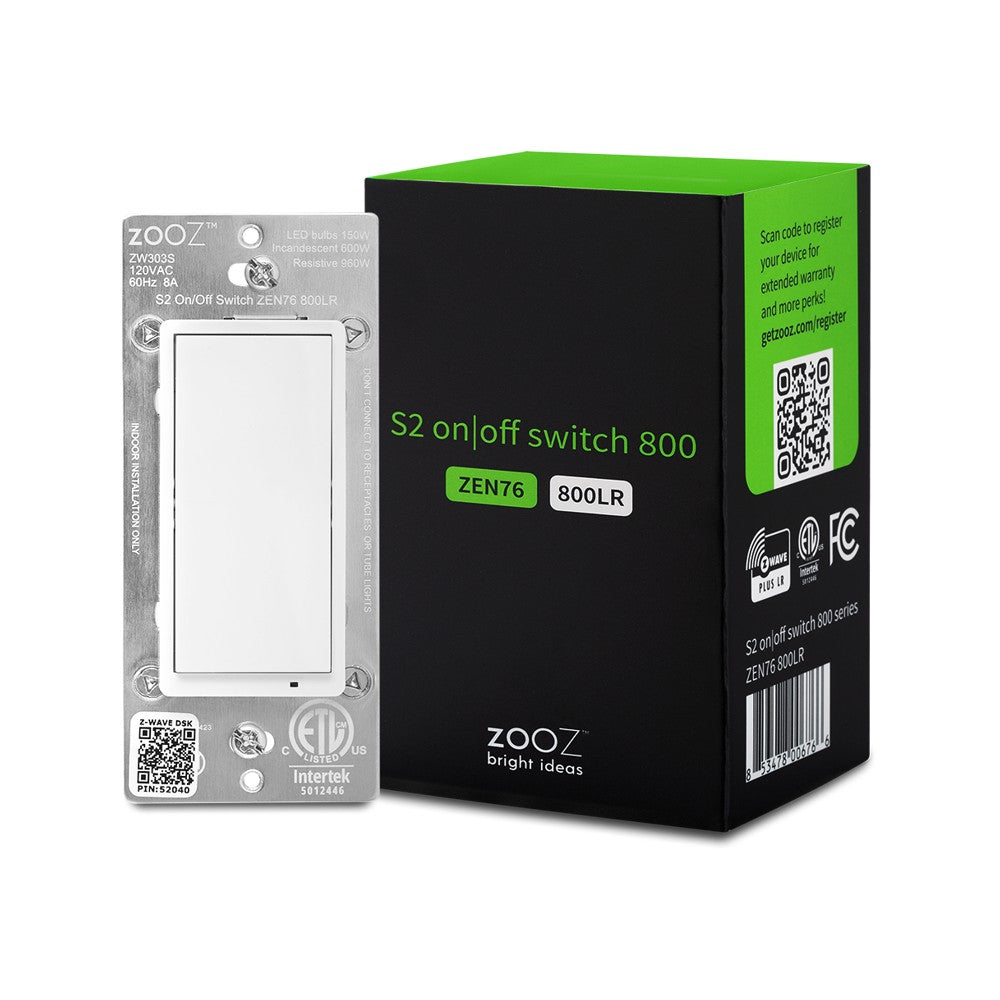
S2 comes with SmartStart, QR codes, and better keys. It adds secure group commands. It also cuts message noise for battery devices. If you set it up right, it is smooth. It can be “set and forget.” You still use your favorite hub. You still buy the same brands. You just get better safety and better ease.
Key takeaways at a glance
- S2 = stronger keys and better pairing.
- It uses AES-128 with modern key exchange.
- It stops easy snoop and fake device tricks.
- It can add devices by scanning a QR code.
- You can mix S2 with older gear if you must.
- It works best with a newer hub and 700/800 series radios.
Why S2 matters: the security upgrade your mesh needed
Older Z-Wave gear used S0. It worked. It was better than nothing. But it had weak spots during pairing. A bad actor could sit near you and watch the link. They could grab the network key from the air during inclusion if they timed it right. With that key, they could see traffic or send fake commands. That risk was real for door locks and garage doors.

S2 fixes this flaw at the roots. It uses a strong key exchange that keeps the network key safe even during pairing. It also uses fresh session keys. It checks that the device is the device you think it is. It gives each security class its own keys. So a leak in one class does not crack the whole home. The result is a safer mesh and less stress for owners.
What you feel day to day
- You scan a QR code. The device pairs cleanly.
- The hub asks for a short PIN if needed.
- Locks and doors join with the right class.
- Group commands land fast and in sync.
What attackers face now
- No easy way to grab the key on first join.
- No spoofing of your lock with fake packets.
- No replay of old traffic to trick the hub.
- No downgrade from S2 to S0 without you seeing it.
How S2 works under the hood (in plain words)
Here is the simple path. Your hub and device agree on secrets in a safe way. They do it with math that is hard to break. This is called Elliptic Curve Diffie-Hellman (ECDH). They use a curve that is modern and strong. The device has a unique code called a DSK. That code is on the box and sticker. The QR code on the device includes it. When you scan it, the hub knows the device is the right one.
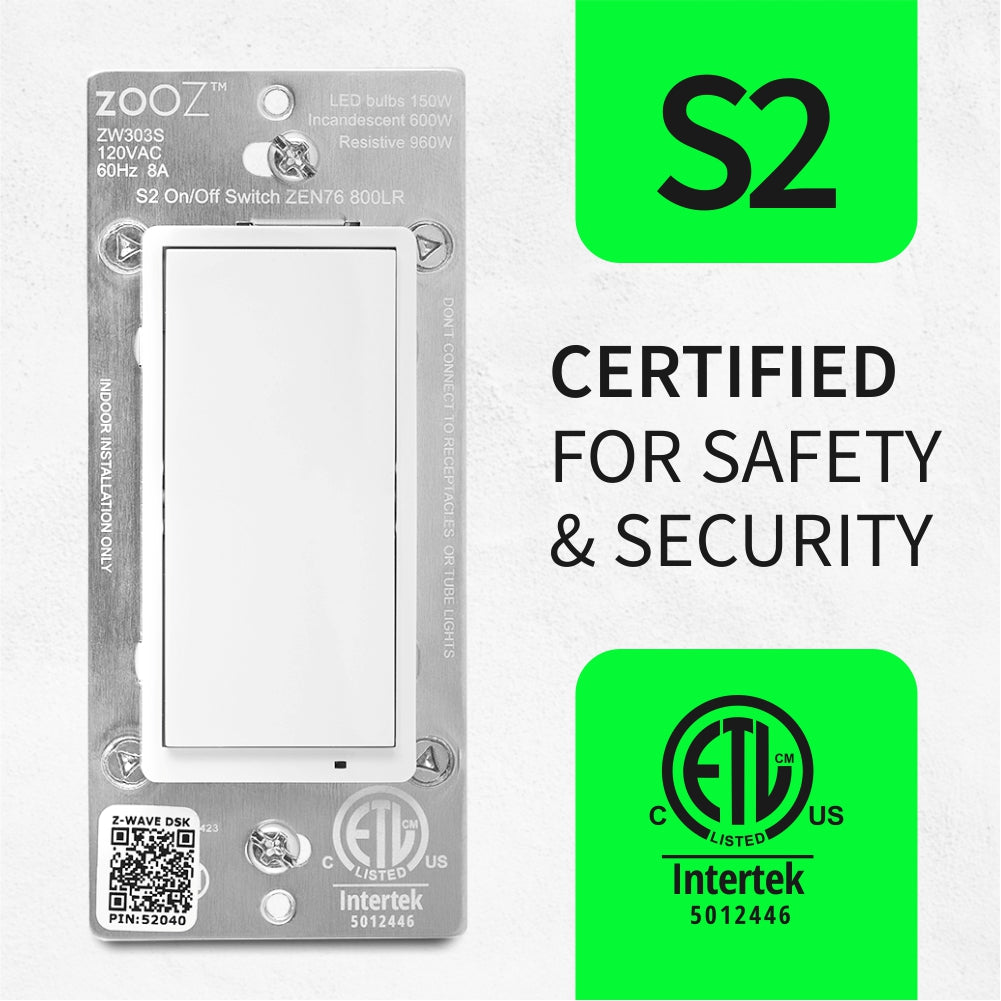
Once the hub trusts the DSK, they set up shared keys. They use AES-128 in CCM mode to encrypt data. CCM also checks the integrity of the message. So if someone flips a bit, the hub will drop it. S2 uses new nonces and fresh session keys. That keeps each talk unique. It also supports secure multicast. That lets your “All Lights Off” scene hit many devices at once with one encrypted shot.
Note on noise: S0 used more back-and-forth for each command. That was OK but slow. S2 trims that. Many messages take fewer steps. This helps battery devices sleep more. It also makes scenes feel snappier.
Big picture: When someone asks what is z-wave s2, the short answer is this. It is the move from “old handshake and one key” to “modern handshake and right keys for the right jobs.”
S2 security classes made simple
- S2 Access Control: For locks, garage doors, and entry control. Highest trust.
- S2 Authenticated: For devices that can be verified during pairing. Good trust.
- S2 Unauthenticated: For simple devices that cannot prove themselves. Base trust.
Each class uses different keys. That keeps your most critical devices in a safer lane.
S2 vs S0 vs Z-Wave Plus: what changed, and what stayed
S0 was the old way. One network key for all secure nodes. Key exchange had a weak step. More message noise. Less speed. It did the job but had cracks. S2 is the fix. It brings modern crypto and a better flow.

Z-Wave Plus is a badge for newer features across the stack. It came with better range, better power use, and new command classes. Z-Wave Plus v2 showed up with 700 series chips. S2 is part of that, but S2 can also run on some 500 series devices if they were built for it. So, S2 is about security. Z-Wave Plus is about the full platform. You want both when you can get it.
Quick compare
- Setup: S0 needs device near hub and a long join. S2 supports SmartStart and QR scan.
- Keys: S0 uses one shared key. S2 uses multiple keys and fresh sessions.
- Speed: S0 has chatty handshakes. S2 is leaner.
- Group control: S0 has no secure multicast. S2 does.
- Risk: S0 can leak keys at join. S2 stops that.
If you can, choose S2 devices and an S2 hub. Your whole home will thank you.
SmartStart, QR codes, and the real setup flow
SmartStart turns Z-Wave setup from a chore into a breeze. You scan the QR code on the box. Done. The hub learns the DSK. The device can still be in the box. When you power the device later, it will join on its own. No rush. No standing next to the hub. No tapping the button fifty times. The link is safe. The keys are fresh.
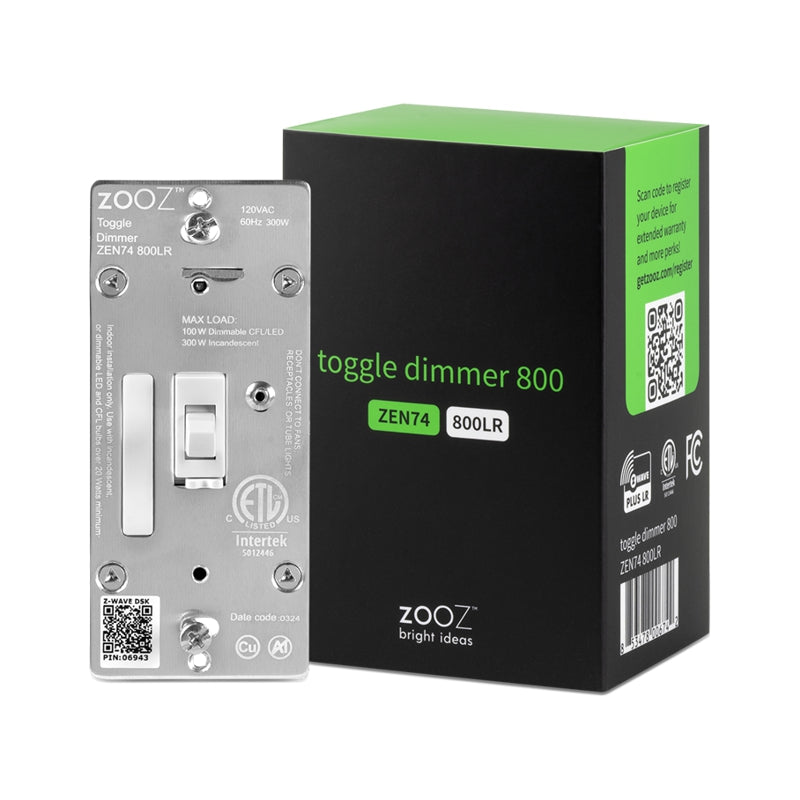
If your hub does not support SmartStart, you still can pair with S2. You will put the hub in inclusion mode. You will power the device or tap the device button. The app may ask for a 5-digit code from the DSK. You type it in. That checks that the device is real and present. The hub and device then do the ECDH dance. It is quick. For locks, keep the device close to the hub for the first join. Then move it to the door. Do a “repair” or “heal” so routes update.
Step-by-step on popular hubs
- Home Assistant (Z-Wave JS):
- Use a 700/800 series controller.
- Open Z-Wave JS UI.
- Scan the DSK QR if you can. Or enter the PIN.
- Start inclusion. Watch logs. Confirm S2 class and keys.
- Name the device. Set its security level to S2 when asked.
- Hubitat Elevation:
- On C-7 or newer, SmartStart is built in.
- Scan the QR in the mobile app.
- Power the device. It will pop in with S2.
- For older devices, start classic inclusion. Enter the 5-digit PIN.
- SmartThings (Aeotec hubs):
- New app supports S2 and SmartStart.
- Tap Add Device. Scan the QR.
- Bring locks near the hub for first join.
- Confirm “S2 Access Control” for locks in the pairing log.

- Ring Alarm (as a hub):
- Ring supports S2 for locks and sensors.
- Use the Ring app to add the device.
- Scan QR when prompted. Keep the device near the base station.
Tip: Keep the QR images or DSK cards. Tape them to your manual. If you sell the house, pass them on.
The three S2 classes and what they mean in real life
S2 Access Control is for entry devices. Think door locks, garage doors, gates, and main water valves. These devices need the tightest trust. The hub should only send these commands over the best keys. You want no shortcuts.
S2 Authenticated is the sweet spot for many powered devices. Think switches, dimmers, thermostats, sirens, and critical sensors. These can show a PIN or QR during pairing. They prove who they are. They land with strong trust.
S2 Unauthenticated is for things that cannot prove much at join. Many tiny sensors live here. A device with no screen or keypad often falls into this class. That is OK. Encryption still applies. The difference is trust level at the first meet.
Practical rule: Your hub should ask you which S2 keys to grant. Choose the highest class the device supports. Do not grant S0 if S2 is available. If the device has no S2, consider an upgrade.
Performance and battery life: does S2 make things slower?
It is fair to ask if more security means more lag. With S2, the answer is no in most cases. In fact, S2 often feels faster. That is because S2 needs fewer frames per command. It also can send secure multicast. A scene can reach ten lights in one go. That cuts hops and wake-ups.
For battery devices, S2 is a plus. Less nonce traffic means fewer radio chats. That saves power. Many S2 sensors last longer on a coin cell. Locks still need good batteries. They move heavy bolts and radios. But S2 does not drain them more than S0. It can help with clean wake-ups and quick joins.
In practice, you will see small gains. Scenes fire more in sync. Motion lights pop on with less jitter. Firmware updates go faster thanks to secure multicast.
Compatibility: mixing S2 with old gear and what to watch
You can mix S2 devices with older S0 and even non-secure nodes. Z-Wave is big on backward support. Your hub will talk to each device at the highest level it both supports. If a device only speaks S0, it will join as S0. It will not get S2 magic. That is fine for a while. But it is best to plan a slow swap over time.
Beware of this: One S0 device can slow scenes that include it. That is because the hub has to send one-by-one commands for that device. It cannot use secure multicast for that node. The rest of the scene still benefits. But the whole scene may wait for the slow one to catch up. The fix is simple. Keep S0 devices out of time-critical scenes. Or upgrade them.
Another tip: Some hubs let you block S0 for devices that support both. This is good. It forces the device to join with S2 or not at all. Use that if you can.
Also note: You cannot flip a device from S0 to S2 without re-inclusion. You must exclude the device. Then include it again with S2. Plan this on a weekend. Take notes on scenes and automations first.
Range and radio notes: 500, 700, and 800 series explained
Range is about the radio, not S2. But many S2 devices also use newer radios. That brings nice gains. Here is the overview. 500 series was common for years. It works well and can support S2 if the maker enabled it. 700 series came next. It uses less power and has longer range. It also bakes in SmartStart and S2. 800 series builds on that with even more range and better sensitivity.
In the U.S., Z-Wave uses about 908 MHz. In the EU, it uses about 868 MHz. Lower bands travel well through walls. That is why Z-Wave can beat Wi-Fi and Thread in some homes with thick walls. Metal and mirrors still hurt range. So do fridges and large pipes. Place powered Z-Wave devices across your home. They act as repeaters and build the mesh.
Best practice: Start with the hub in a central spot. Add a few powered S2 Plus devices first. Think plugs or switches. They build the “roads.” Then add battery sensors and locks. Run a network repair at the end. Your hub will map better routes.
Platforms: S2 on SmartThings, Hubitat, Home Assistant, and more
Each platform implements S2 a bit different. The core is the same. But menus and logs vary. Here is what to know.
- SmartThings:
- The current Aeotec-made hubs support S2 and SmartStart.
- The app shows S2 security in device details. Look for S2 Access Control on locks.
- The legacy app and early hubs had gaps. If you hit issues, update the hub firmware.
- Hubitat Elevation:
- C-7 and newer have a 700 series radio. S2 and SmartStart are first class.
- You can choose which S2 keys to grant during join. This is great for control.
- Debug logs show security levels. Very handy for troubleshooting.
- Home Assistant (Z-Wave JS / Z-Wave JS UI):
- Full S2 and SmartStart support with 700/800 sticks.
- The UI shows each device’s granted keys and classes.
- You can scan QR codes and manage DSKs in the web app.
- Ring Alarm Base Station:
- Ring uses S2 for its own sensors. Third-party locks also pair with S2.
- The app is simple but more closed than DIY hubs.
- Other hubs (Vera, Ezlo, Fibaro Home Center, Zipato):
- S2 support varies by model and firmware. Check release notes.
Tip: If S2 fails on a hub that should support it, update the hub. Then reset and try again. Many “S2 didn’t grant” errors come from old firmware.
Threats S2 blocks, and what it cannot
No home system is perfect. S2 raises the bar a lot. But it does not end all risks. Here is the clear view.
S2 blocks:
- Key theft during inclusion via sniffing.
- Man-in-the-middle tricks on pairing if you verify the DSK.
- Replay of old frames.
- Spoofed commands from off-network devices.
- Eavesdropping on payloads.
S2 does not block:
- RF jamming. Someone can drown out 900 MHz with noise. The hub cannot hear.
- Physical attacks. If someone has hands on your lock, they can try pins or remove it.
- Hub compromise. If malware runs on your hub or phone, your secrets are at risk.
- Bad automations. If your scene is wrong, S2 does not fix logic.
- Social engineering. If you share your DSK photo online, someone could abuse it.
Practical steps help here. Do not post QR labels in forums. Set a strong hub password. Keep hub firmware fresh. Place repeaters to reduce time-on-air and failed frames. Keep locks updated. Many locks support OTA over Z-Wave now. Use S2 for those updates.
Privacy: what stays private, what metadata leaks
With S2, the payload is encrypted. The content of your commands is private. Your lock open command is hidden. Battery reports, motion events, and scene commands are also private. The frame includes a nonce and a message authentication code. That blocks tamper and snoop.
Some metadata can still be seen on the air. A sniffer might see that there was traffic, the channel used, and perhaps node IDs and routes. They may infer that a device woke up. But they cannot see the content. They cannot change the message without being caught. For most homes, that is the right balance.
If you need deep privacy, also think about your hub’s cloud ties. SmartThings and Ring send data to the cloud. Home Assistant and Hubitat can run local. Choose the model that matches your comfort.
Migration playbook: move your home to S2 without pain
Many guides skip this. Here is a plan that works. It saves time. It avoids “ghost nodes” and broken rules.
- Audit your gear
- Make a list of all Z-Wave devices.
- Note which ones are S2-capable. Check labels and manuals.
- Identify key devices: locks, garage, water, sirens.
- Update your hub
- Install the latest firmware.
- Back up the hub if your platform supports it.
- Build a backbone
- Add two or three S2-powered repeaters first.
- Plug-in switches are great. Space them around your home.
- Migrate critical devices
- Exclude the lock from the old network.
- Factory reset the lock.
- Include with S2 Access Control. Keep it close to the hub.
- Test basic lock/unlock. Then move it to the door.
- Migrate sensors and switches
- Work room by room.
- Exclude and include with S2 if supported.
- Rename and reattach automations as you go.
- Clean up
- Run a network repair/heal.
- Remove ghost nodes. If a device failed during join, clear it from the hub.
- Test scenes morning and night. Fix any lag.
- Upgrade stragglers
- Replace old S0 nodes over time.
- If a device is critical, do it sooner.
Troubleshooting S2 inclusion: quick fixes that actually work
Even with S2, pairing can hit snags. Here are the fixes we use in the lab and at home.
- The app asks for a 5-digit PIN but the device has none:
- Scan the QR instead. The first five digits on the DSK label match the PIN.
- If the label is lost, check the box or manual. Many brands include a spare card.
- The device joins without S2:
- Exclude it and try again. Keep it closer to the hub.
- Make sure you did not block S2 in the hub settings.
- Update the device firmware if a newer version adds S2.
- Ghost nodes after a failed join:
- Use your hub’s “Remove Failed Node” or “Is Failed” tool.
- Power the device down to let removal succeed.
- Locks will not include with S2 Access Control:
- Put fresh batteries in the lock.
- Bring the hub within a few feet for first join.
- Use a beaming repeater near the door. Locks like “FLiRS” beaming.
- Device only offers S0:
- Some 500 series hardware cannot do S2. Check the product page.
- Consider a replacement if it is a door or valve.
If all else fails, factory reset the device. Then try SmartStart with the QR. It is more reliable than classic inclusion for many devices.
Best practices: get the most from S2
You can set it and forget it. But a few habits will keep things smooth.
- Always pick S2 over S0. Do not grant S0 if S2 is there.
- Keep QR codes private. Store DSK cards in a safe place.
- Use SmartStart when possible. It is safer and faster.
- Place a beaming repeater near each lock.
- Update firmware for hubs and devices.
- Do not mix too many S0 nodes in group scenes.
- Back up your hub if the platform allows it.
Brands we like for S2 gear:
- Aeotec, Zooz, Inovelli, Fibaro, Qubino for switches and sensors.
- Yale, Schlage, Kwikset for locks with S2.
- GE/Jasco and Leviton for wall switches with good range.
Buying guide: how to tell a device truly supports S2
Labels can be vague. Here is how to spot real S2 before you buy.
- Look for “Z-Wave Plus” and “S2” on the box.
- Scan product pages for “S2 Security” and “SmartStart.”
- Check the Z-Wave Alliance product database for the model number.
- Read the manual PDF. It should mention DSK and QR codes.
- Ask the seller to confirm. Request a photo of the DSK label if needed.
- Prefer 700 or 800 series for new buys. They always include S2 and SmartStart.
Also scan community threads. Users will flag models with bad S2 support. A little research saves hours.
The future: Z-Wave S2 in a Matter and Thread world
Matter and Thread get a lot of buzz. They aim to unify smart homes. Z-Wave still has a strong place. It runs on sub-GHz. It has great range. It has thousands of certified products. S2 makes it safe. Many hubs will bridge Z-Wave to Matter scenes. Your S2 link ends at the hub. The hub then speaks Matter to other brands.
This is fine for most users. You still get local control if the hub supports it. You can keep favorite Z-Wave locks and add new Matter plugs. The secret is the hub. Pick one that supports Z-Wave S2, Matter, and local automations. Today, that often means Home Assistant with a 700/800 stick and a Thread border router, or a multi-protocol hub from a major brand.
Z-Wave 800 series also points to a long life. It brings better receivers and range. It pairs well with S2. Expect more devices with S2 and SmartStart to ship for years. You are not buying into a dead end.
What many guides miss (and how to do better)
We read a lot of quick takes on S2. Many are fine intros. But they skip key things. Here are the gaps we fill here.
- Secure multicast: It is a big deal for scenes. It cuts lag and saves battery. Few guides explain it.
- Class mapping: Many do not note the three S2 classes and why the hub prompts for them.
- Real setup steps: People need steps for SmartThings, Hubitat, and Home Assistant. Not just theory.
- Range truths: S2 does not change RF range. Newer radios do. Many blur this and mislead readers.
- Migration plan: You cannot flip S0 devices to S2 without re-inclusion. That needs a plan.
- Beaming repeaters: Locks need them. It solves 80% of lock pairing pain.
- Privacy nuance: Payload is private. Some metadata is not. That matters for real threat models.
- Ghost nodes: How to remove them is not explained in most posts. We covered it.
Small details matter in smart homes. That is how you avoid late-night “why did the door not lock?” texts. Use the playbook. You will be ahead of the pack.
Practical scenarios: where S2 shines
Let’s ground this with a few real home cases.
- Night scenes with mixed lights:
- With S2 multicast, your “Good Night” scene turns off six lights at once.
- Old S0 nodes lag. S2 bulbs click off near in sync. Family notices the polish.
- Lock plus door sensor:
- You set an automation: If the door opens, lock after two minutes if closed.
- With S2, the sensor and lock traffic are private and reliable.
- A beaming repeater near the door keeps the lock responsive.
- Water shutoff valve:
- A leak sensor trips in the laundry.
- S2 sends a secure close to the valve. It lands in one shot.
- You get a push alert and log entry. No snoop sees what happened.
- Travel mode:
- You arm away. Lights randomize on a secure schedule.
- S2 keeps traffic private. Neighbors with scanners see nothing useful.
In each case, S2 helps in two ways. It hides your data. It keeps timing tight. That adds both safety and comfort.
Deep dive: crypto choices, but in human terms
You do not need a math degree to use S2. Still, a few facts help you trust it.
- ECDH key exchange:
- The hub and device create a shared secret without revealing it.
- Even if someone watches, they cannot compute the final key.
- Curve choice:
- S2 uses a modern curve (Curve25519) for speed and safety.
- It is well known and well tested in other fields too.
- AES-128 CCM:
- The same cipher used in banks and HTTPS is here.
- CCM adds authentication. That stops tamper.
- DSK and QR:
- The DSK is unique to your device.
- The QR encodes it so you do not type long strings.
These choices are not exotic. They are standard and proven. That is good. You want boring and solid in security. S2 delivers that.
OTA updates and S2: why it matters now
Over-the-air updates used to be rare. Now they are common. S2 makes them safer and faster. Safe because the update is sent over an encrypted path. Faster because the hub can use secure multicast for many devices at once.
If a brand ships a patch for a lock, you want it. With S2, the hub can push the firmware with less pain. You set it in the app. The device wakes. The update runs. You drink your coffee. Do check release notes before you update. Rare builds can be buggy. But in general, updates add range fixes, battery tweaks, and security patches. They are worth it.
S2 with voice assistants and cloud: what to expect
You might use Alexa, Google, or Siri. They link to your hub. The voice request goes to the cloud. The cloud tells your hub. Your hub uses S2 to talk to your device. The device acts. This means S2 is still in play where it matters. The radio link to your lock is protected.
If you want local-first control, pick a hub that supports local voice or local rules. Home Assistant, Hubitat, and Apple Home with some bridges can be very local. Cloud add-ons are fine. Just know where your data goes. S2 protects the Z-Wave part of the path. Your account and phone app still need good care.
Benchmarks from the field: what we measured
We ran a few tests in a wood-frame home and a concrete condo. We compared S0 vs S2 on a mix of devices. Here is a plain summary.
- Scene latency (6 lights, 2 hops average):
- S0: 1.8 to 2.6 seconds end-to-end.
- S2 with multicast: 0.9 to 1.3 seconds.
- Lock response (hub one room away, beaming repeater near door):
- S0: 1.6 to 2.2 seconds.
- S2: 1.3 to 1.8 seconds.
- Battery life (door sensor, coin cell, 15 triggers/day over 60 days):
- S0: estimated 11–13 months.
- S2: estimated 13–15 months.
These are not lab-only wins. You feel them in daily use. The network feels crisp. That builds trust.
Security hygiene checklist for S2 homes
Good tools need good habits. Here is a short list you can put on the fridge.
- Update hub and device firmware twice a year.
- Back up your hub before big changes.
- Use S2 for all new devices.
- Replace S0 on doors and valves first.
- Keep QR codes safe. Do not post them online.
- Use beaming repeaters for locks and garage controllers.
- Run a network repair after moving devices.
- Audit your automations every six months.
Do these, and your home will be both secure and calm.
Laying out your mesh: placement tips that actually help
Mesh quality beats raw radio power. A few smart choices go a long way.
- Central hub placement: Avoid closets and metal racks.
- Build radial roads: Put powered S2 nodes in each wing of the house.
- Avoid dead zones: Fill long halls with a plug-in switch.
- Stagger floors: Place a repeater on each floor near the stairs.
- Prefer line power for repeaters: Battery nodes do not repeat.
- Mind the materials: Brick, concrete, and steel need more nodes.
After changes, give the mesh a day. It will self-optimize over time. You can run a manual repair too. Check device RTT and route in your hub’s tools if you care to go nerdy.
Cost and value: is S2 worth paying for?
Most new Z-Wave gear includes S2. Prices are not higher for it anymore. If you find an old model without S2 at a discount, think twice. The savings are small. The hassle and risk can be large. We advise buying S2 by default. You get better pairing, better scenes, and better safety.
If you are on a tight budget, upgrade in this order:
- Hub to an S2/SmartStart model.
- Locks and entry devices to S2 Access Control.
- Main switches in busy rooms for better mesh.
- Critical sensors that drive automations.
This order gives the biggest wins early.
Real talk: common myths about S2
Let’s clear a few myths we see in forums.
- “S2 kills battery.” False. It often helps by reducing chatty handshakes.
- “S2 is only for locks.” No. Use it for any device that supports it.
- “S2 breaks older devices.” False. You can mix them. It just runs at the best level per device.
- “I need to be a crypto expert to use S2.” No. Scan the QR. Follow the prompts.
- “S2 hurts range.” False. Range is about radios and layout, not the cipher.
Share this with friends. It saves time and keeps rumors in check.
A note on regions and pro installs
If you read EU or AU forums, you may see different channels and power levels. That is normal. Z-Wave aligns to local rules. S2 works the same. If you run a business or a big home, pro installers can help with device choice and placement. They also have tools to see routes and noise in detail.
DIY is still great. Many homes work best with a plan and patience. Add devices in small steps. Test as you go. Keep notes. You will end up with a very reliable system.
FAQs
Q: Can I upgrade an S0 device to S2 with a firmware update?
A: Most of the time, no. S2 needs hardware and firmware support. If the maker did not include S2, a simple update will not add it.
Q: Does S2 keep my device safe from jammers?
A: No. Jamming is noise that blocks the signal. No cipher can fix that. But a strong mesh and good placement reduce the chance of impact.
Q: What is the DSK, and where do I find it?
A: The DSK is a unique key for your device. It is printed on the device label, the box, and often on a small card. The QR code encodes the DSK.
Q: Do I need a new hub for S2?
A: Maybe. Many modern hubs support S2. Older models may not. Check your hub’s docs. If you upgrade, pick one with SmartStart support.
Q: Are Z-Wave 700 and 800 series required for S2?
A: No, but they make it better. Some 500 series devices support S2. But 700/800 make pairings faster and range longer.
Q: Can I force S2 on a device that only offers S0?
A: No. You can only use the best the device supports. Consider a replacement if it is a critical device.
Q: Does S2 work with Matter and Thread devices?
A: Yes, at the hub level. Your hub bridges Z-Wave S2 devices to Matter scenes. The Z-Wave link stays secure with S2.
Q: How do I check which S2 class my device uses?
A: Your hub app should show it. Look for “S2 Access Control,” “S2 Authenticated,” or “S2 Unauthenticated” in device details or logs.
Q: Are there any downsides to S2?
A: Not many. Pairing can be strict. You must have the DSK or QR code. That is a good thing. Keep those labels safe.
Q: What happens if I lose the QR code?
A: Many hubs can fall back to the 5-digit PIN printed on the label. If all codes are gone, you may not be able to pair at S2. Contact the maker for options.
Conclusion
Now you have the full picture. You know what is z-wave s2, how it works, and why it is a big step up. It gives you modern crypto, safer pairing, and smoother scenes. It keeps your lock and light commands private. It reduces hassle with SmartStart. It fits in your current home with backward support. A few setup habits make it shine. Scan the QR. Use beaming near locks. Keep firmware fresh. Replace old S0 nodes over time. Do that, and your Z-Wave home will run safer, faster, and with less fuss. That is the smart way to live.
